





(OSX 10.7 onwards)
Demo Version/ Pattern Viewer
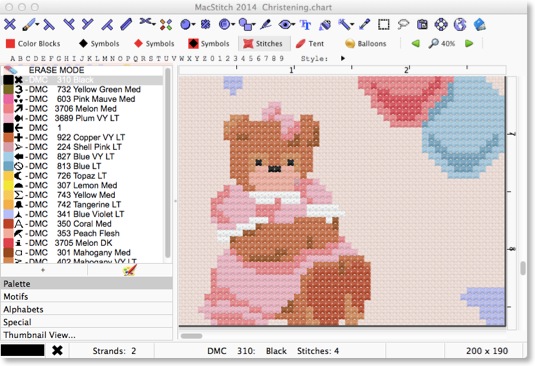
With this FREE working demo version of MacStitch 2014, you can open, view, and print the sample charts supplied, and any free charts from the Ursa Software web site.
For the first time on the Mac, you will be able to open and view .PAT files from PCStitch version 4 thru 7 (some of which are marked as read only)
Using the demo , you will be able to try out all the facilities of the program, but you will not be able to save your work. You can print any of the sample charts supplied, as long as they have not been amended.
Installation:
Remember: You will not be able to save any new designs you create in the demo version.
Click the icon below to download a demo version.
MacStitch 2014 (OSX 10.6 onwards)
This will download a ZIP file to your downloads folder. 
Usually, OSX will unzip it. This will create a file called MacStitchDemo.app in the downloads folder.
Drag it to Applications to install it.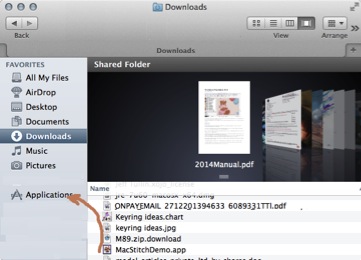
MacStitch 2012 ( for older machines: OSX 10.2 to 10.5 )
 Click here to download a DMG file.
If OSX opens it automatically, you will see the window below. If not, double click to mount the disk image.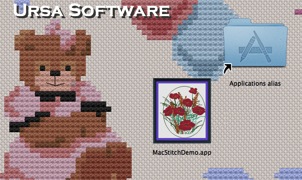
Drag the macstitchdemo.app to Applications to install
(the 2012 demo is installed by double clicking)
You can make an alias for the MacStitch application, and place the alias on the desktop or dock if you wish.